
Updated: August 2026. The SPV (spațiul privat virtual) is the official channel through which ANAF, the Romanian tax authority, serves administrative tax documents. Service counts as legally done whether or not anyone opened the message — which is where the weight of an unread message comes from.
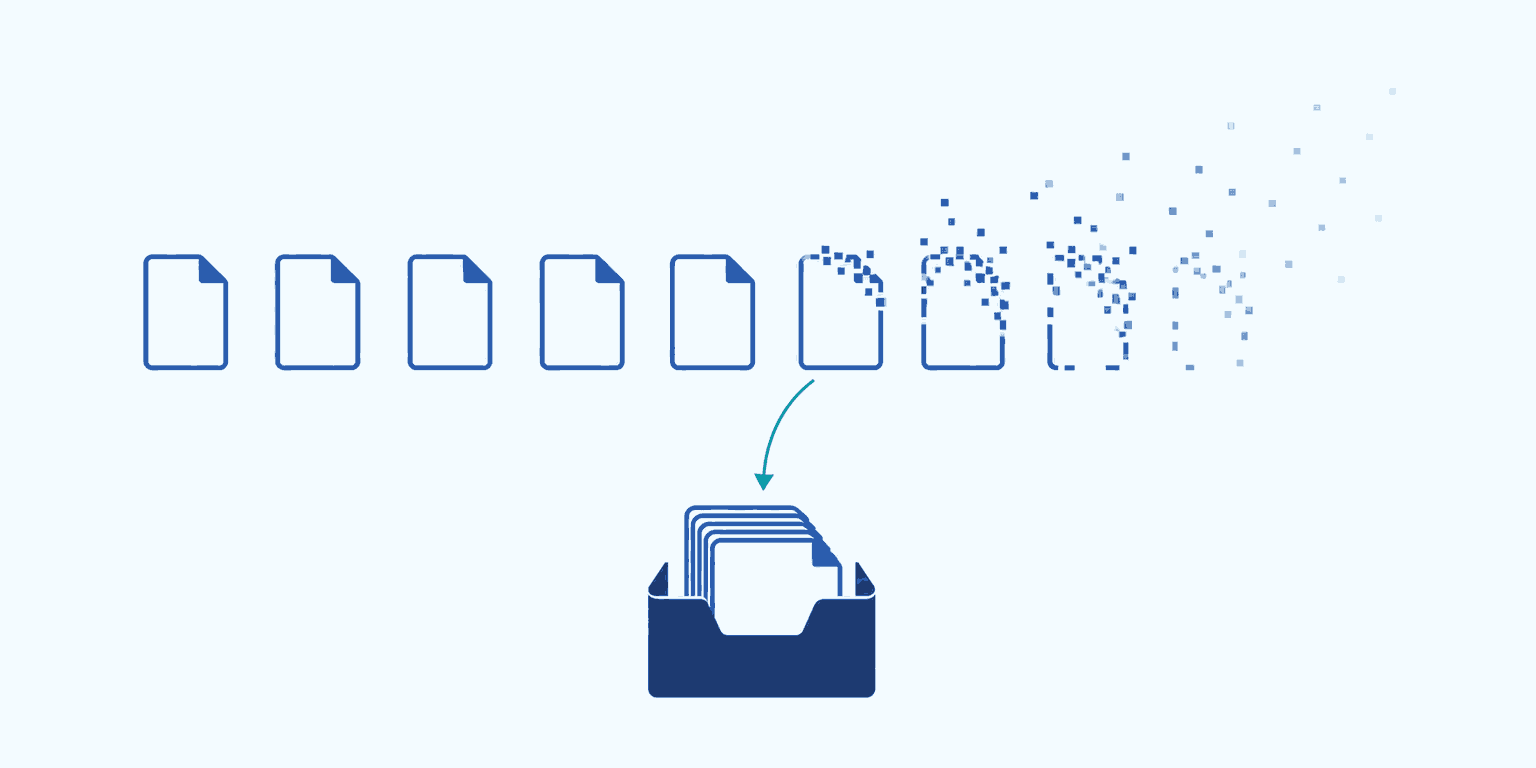
In short: messages in the SPV stay available for download for a limited period — in practice, around 60 days. After that you can see, at best, that a message existed, but you can no longer retrieve the document. If you are audited a year later, the only copy that still exists is the one you took in time. The answer is not to log into the portal more often, but to have an automatic copy of the documents, not just of the list.
What is actually lost
An SPV message has two parts, and they do not disappear the same way.
The notice — the row saying something arrived, for which company, what type, and on what day. That usually reaches you by email too, and if you keep any record at all, you have it.
The document — the PDF or archive behind the row. This is where it says how much is being claimed, for which period, against which account, and how the figure was arrived at. This is the part that cannot be recreated, and precisely the part somebody auditing you asks for.
Plenty of practices have a record of the first part and none of the second. "Enforcement notice received on 12 May" tells you nothing when you have to show what was served on you and what you did about it.
Why "check the portal more often" is not a solution
It is a solution that depends on one disciplined person every single day, including filing week and including August. Three practical reasons it breaks:
- The portal always shows you the same window. The list has no "where I left off" — you see every message from the last two months again and have to eyeball what is new since last time.
- A practice does not have one company, it has two hundred. Checking company by company is half a day, not five minutes.
- Absence does not catch up. A two-week holiday in mid-summer covers a third of the window in which a document can still be downloaded.
The risk is not that somebody was careless. The risk is that a process depending on constant vigilance has a non-zero failure rate — and here every failure is a document you cannot obtain again.
What holds and what does not
| What you have | Says something arrived | Says what is in it | Still there in two years |
|---|---|---|---|
| The email notification | yes | no | yes |
| The list in the portal | yes | no | no |
| A document downloaded by hand | yes | yes | if you can still find it |
| A copy taken automatically, every message | yes | yes | yes |
The difference between row three and row four is not technology. It is that row three depends on somebody remembering.
What to do today, even with no software at all
Three things, in the order that matters:
- Download everything in the current window now. For messages from two months ago, this is the last chance. Do not pick out what looks important — how important a document was is usually clear only later.
- Put them somewhere predictable: a folder per company, a subfolder per year, and the date and message type in the file name. A Downloads folder with 400 files called
descarcare(17).pdfis still a loss, only a slower one. - Check what your certificate covers. A mandate that expired, or was never filed for a company, means messages you never see at all — not messages you see late. It is the easiest thing to miss, because it looks identical to a company that received nothing.
How BIWizz takes the repetitive part
BIWizz Bridge is a small app that sits on the office machine, where your certificate already is. It reads the SPV with your certificate — the key never leaves the token, the signing happens locally — and brings both the list and the documents into BIWizz.
- One call covers every company your mandate reaches, so you are not running two hundred checks in a row.
- The document itself lands in BIWizz and stays after ANAF removes it from the portal.
- Its text is extracted, so you can search the contents rather than the subject line. Ask Wizzy what an enforcement notice says and the answer comes with the figures from the document.
- You mark each message resolved or not applicable, with a reason. ANAF has nowhere to receive an acknowledgement from you, so that record has to live on your side.
Questions we get asked
How long does a message stay in the SPV? In practice, around 60 days. The window is ANAF's to set and can change, so do not build a process that needs the exact figure — check anaf.ro if you need it.
Can I recover a document that is no longer in the portal? Not through the SPV. That leaves a request to the tax office, which is a separate route with its own timelines. A copy taken in time costs far less than the recovery.
Do I need a certificate for every company? No. A single qualified certificate can cover several companies, as long as the mandate has been filed for each of them.
What if two accountants hold certificates for the same company? Both see the same mailbox, because it belongs to the company rather than to the certificate. In BIWizz the message appears once, no matter how many machines brought it in.
Can old messages, from before I installed anything, be recovered? Only the ones still inside the current window. Anything that has already left it is beyond anyone's reach — one more reason not to postpone step one above.
If you keep the books for several companies and want to see this on your own data, get in touch — we will walk you through it.