
Updated 18 September 2026
To send an invoice through e-Factura, the invoice must be generated in a structured electronic format (XML UBL 2.1 following the CIUS-RO schema) and uploaded to the National RO e-Factura System from ANAF’s online taxpayer portal (SPV). In practice, you issue it in a billing program connected to ANAF and the program transmits it automatically; ANAF assigns it an upload index, validates it and applies the electronic seal of the Ministry of Finance, after which the invoice is officially communicated to the buyer. The original copy is the XML file accompanied by that seal — you do not sign the invoice yourself.
In 2026, e-Factura is mandatory for both B2B transactions (between companies) and B2C transactions (to individuals). The transmission deadline is 5 working days from the invoice issue date.
Who is required to use e-Factura
The RO e-Factura system is mandatory for economic operators established or registered for VAT purposes in Romania. The B2B obligation applies from 1 July 2024, and the B2C obligation from 1 January 2025.
Individuals who identify themselves fiscally by personal numeric code (CNP) — photographers, content creators, other independent providers — no longer carry this obligation: Law no. 88/2026, published in Monitorul Oficial no. 459 of 29 May 2026 and applicable from 1 June 2026, made the system optional for them, through enrolment in the Optional RO e-Factura Register. Anyone already registered may request removal. The same law also exempted individual farmers applying the special regime.
e-Factura B2C: how you invoice private individuals
From 1 January 2025, invoices issued to private individuals (B2C) must be transmitted through RO e-Factura, regardless of whether the issuer is an SRL, a PFA or another form of organization.
The buyer’s CNP is optional: if the individual does not provide it, the invoice is issued with the code made of 13 zeros (0000000000000) in place of the fiscal identification code. The buyer’s name and address (country, locality) remain mandatory — filling them in correctly avoids validation errors on upload.
The transmission deadline
From 1 January 2026, invoices are transmitted within a maximum of 5 working days from the issue date (previously it was 5 calendar days). The deadline applies to both B2B and B2C and is calculated from the first hour of the first working day until the last hour of the fifth working day.
Failing to transmit on time is a contravention, and in B2B relationships the legislation also provides an additional penalty calculated relative to the invoice value. For the exact deadlines and fines that apply to your company, check the official ANAF e-Factura page.
How to count the 5 working days
The issue date itself does not count. The period starts on the first working day after the issue date and ends at the end of the fifth working day. Saturdays, Sundays and legal public holidays are not counted, and if the fifth day falls on a non-working day the deadline moves to the end of the next working day. The rule is art. 10 (7) of GEO 120/2021 as amended by GEO 89/2025, with the period computed under Regulation (EEC, Euratom) No 1182/71.
Example: an invoice issued on Wednesday 29 April 2026. Thursday 30 April is day 1; Friday 1 May is a public holiday and is not counted; Monday 4, Tuesday 5, Wednesday 6 and Thursday 7 May are days 2–5. The deadline expires at the end of Thursday 7 May 2026. The same invoice issued a day earlier, on Tuesday 28 April, would have days 1–5 on 29 and 30 April and 4, 5 and 6 May, so the deadline would be Wednesday 6 May.
- The issue date is the date on the invoice, not the day you upload it.
- If the invoice was issued after the Fiscal Code’s issuing deadline (art. 319 (16): the 15th day of the month following the supply), the 5 working days run at the latest from that deadline.
- Do not leave the transmission for day five: a validation error found then leaves no time to correct it.
What format the invoice must have
The electronic invoice must be in XML UBL 2.1 format, following the CIUS-RO schema (the Romanian extension of the European standard EN 16931). It is not a PDF: it is a structured file that ANAF can validate automatically, field by field.
A compliant billing program generates this XML automatically from the invoice data, without you needing to write the XML manually. The qualified digital certificate is what you need to authenticate to SPV, not to sign each individual invoice.
The steps to send through ANAF SPV
- Issuing the invoice with all mandatory fields (parties, CUI, VAT rates, totals).
- Automatically generating the XML UBL 2.1 / CIUS-RO file.
- Authenticating in SPV with a qualified digital certificate (or through the program’s connector).
- Uploading the invoice — ANAF returns an upload index (id_solicitare).
- ANAF validation: if it is ok, the invoice receives a receipt; if not, you get the errors to correct.
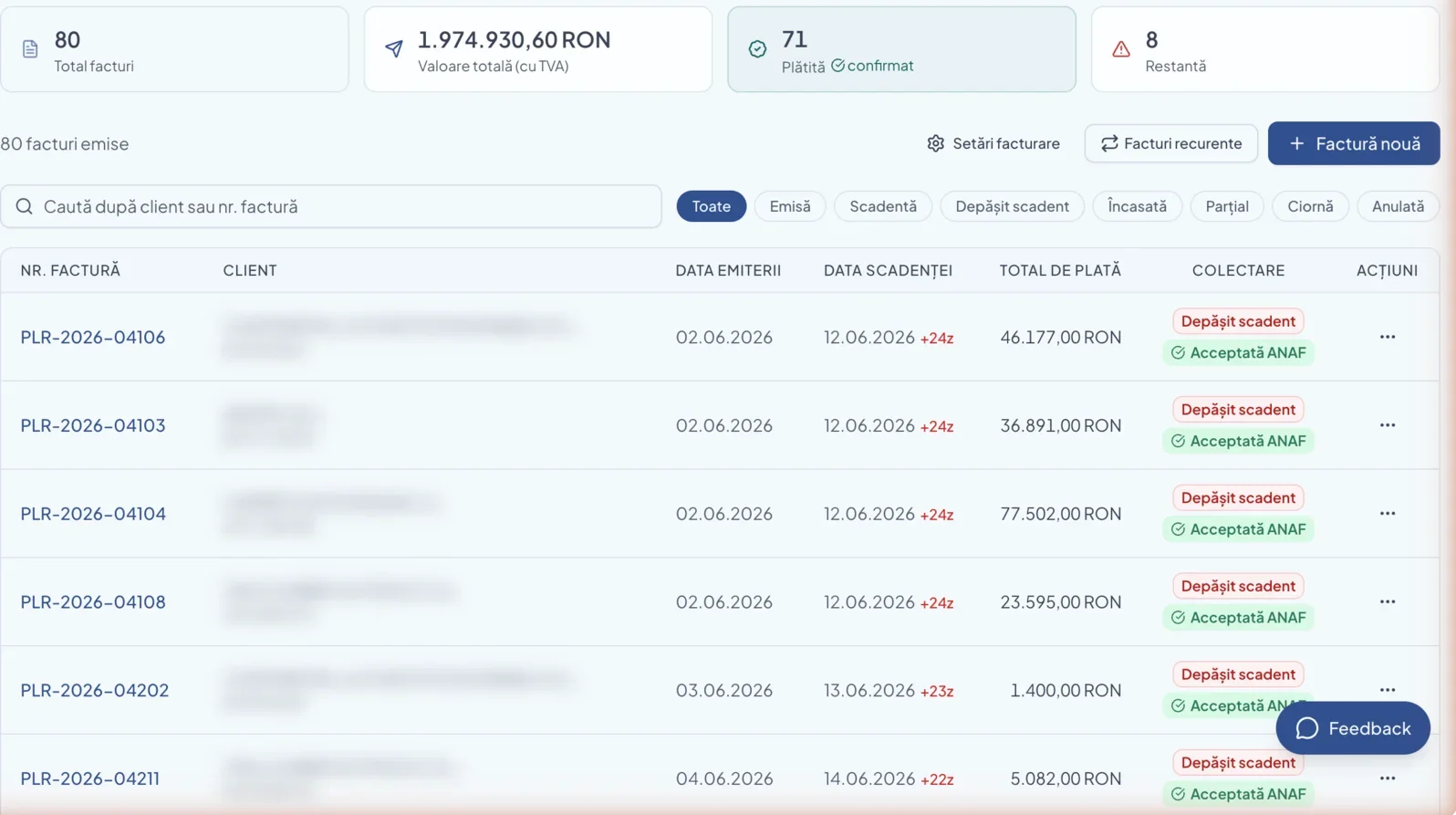
How BIWizz helps you with e-Factura
In BIWizz, you tell the AI agent Wizzy what you want to invoice, and it prepares the draft invoice, calculates the totals and VAT rates and brings it to you for review. After approval, BIWizz handles the technical part: generating the CIUS-RO XML and transmitting it through the ANAF SPV connector.
Invoices received in SPV are synced automatically back into your workspace, so you have in one place both what you have issued and what you have received — without manually logging into the ANAF portal.
See how it works for your role: BIWizz for business owners · BIWizz for accountants